Share this:
A Player’s Guide to What Makes a True Esports Lab
By Jon Prinsen, Title
Summary: A great Esports lab isn’t just a room full of powerful gaming PCs. It needs consistent hardware, reliable performance and enough flexibility to support competition, practice, recreation and community events without creating an IT headache for the people running it.
Looking at the leaders and program organizers stepping up today to run collegiate leagues, local community circuits and grassroots teams, I see a lot of myself. Being an elder Gen Z means I remember the messy days of trying to organize tournaments with my friends showing up, towers and screens in hand.
Today’s leaders and league operators are dealing with a completely different scale, managing multi-team rosters, balancing university compliance, negotiating sponsorships and trying to keep everything running smoothly during a grand finals match.
When you’re suddenly responsible for running a multi-station community or college Esports program, the learning curve is vertical. You aren’t just playing the game anymore. You’re acting as an IT admin, a broadcast director, a facility manager and a community manager all at once.
What Does a Successful Esports Lab Actually Need?
Talking with the student leaders and young adults building these spaces every day, the same operational bottlenecks always surface. If you’re running a community or collegiate league right now, keep these four realities in mind:
1. Keep Your Esports Hardware Consistent
When players are competing under pressure, equipment discrepancies can quickly become a problem.
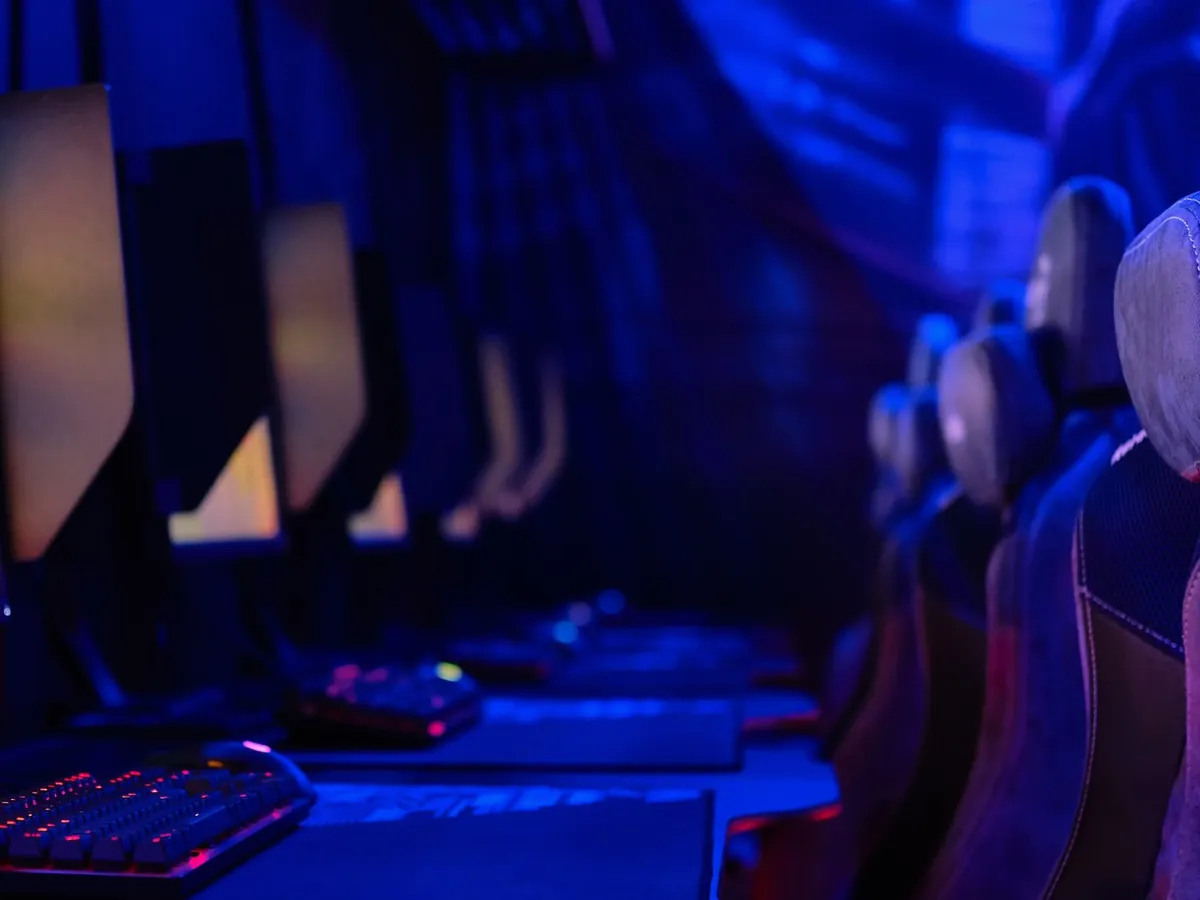
Whenever possible, standardize your gaming PCs, monitors, peripherals and system configurations across stations. Players should not be wondering whether the machine at Station 4 performs differently from the one at Station 12.
Consistency also makes life easier for the people maintaining the lab. Troubleshooting, updates, replacements and future refreshes become much simpler when you aren’t managing a room full of completely different systems.
If you’re evaluating systems now, explore TrinWare’s Custom Esports Computers.
2. Build the Esports Lab for More Than Your Starting Roster
The most successful community leagues don’t just cater to the varsity starters. They build modular infrastructure that supports casual student recreation, training blocks and local youth outreach, turning a sterile lab into a genuine community hub.
Think about how the room will be used between matches. Could it host club play? Camps? Intramurals? Open gaming nights? Academic programs? Community tournaments?
The more ways the space can serve students and the wider community, the easier it becomes to demonstrate its value beyond competition alone.
3. Think Beyond Frames Per Second
Performance matters. But a great Esports facility also has to account for networking, software, broadcasting, peripherals, cable management, physical layout and ongoing IT support.
The fastest PC in the room doesn’t help much if a driver update breaks a station right before a match or your team discovers on opening day that every system needs to be configured manually.
That is why deployment planning should happen alongside the hardware conversation, not after the PCs have already been ordered.
4. Protect Your Burnout Limit
Organizing events is exhausting. Running a team is already enough work without spending every weekend troubleshooting hardware, rebuilding machines or tracking down replacement components.
Lean on reliable hardware partners and support teams so you aren’t spending your entire weekend tearing down cases and fixing driver conflicts.
The right hardware partner should help you think through the systems, setup and long-term lifecycle of the lab, not simply ship boxes to your loading dock.
A True Esports Lab Is Built Around the People Using It
The equipment matters, but the real goal is bigger. You are creating a place where players can compete, students can find a community and programs can grow. The technology should make that easier, not become another obstacle for the people trying to run it.
TrinWare works with schools, Esports organizations and gaming programs to configure and deploy custom gaming computers built around how the space will actually be used.
Explore TrinWare’s Esports Solutions
Planning an Esports Lab? Start With the Program, Not the PC.
Before you build a shopping list, talk through your games, number of stations, program goals, budget and plans for growth. TrinWare can help you determine what you actually need and where you don’t need to overspend.
Talk With a TrinWare Trusted Advisor
Frequently Asked Questions About Esports Labs
What equipment does an Esports lab need?
Most Esports labs need gaming PCs, monitors, keyboards, mice, headsets and reliable networking at a minimum. Depending on the program, you may also need streaming or broadcast equipment, cameras, production systems and additional hardware for coaches or spectators. Start with what your program needs to do rather than buying equipment from a generic checklist.
Should every computer in an Esports lab have the same specifications?
In most cases, yes. Consistent hardware gives players a more even competitive environment and makes the systems easier for IT teams to manage. There may be reasons to create different performance tiers, but those should be intentional rather than the result of buying equipment at different times.
How many gaming PCs should a college Esports lab have?
There isn’t one right number. A smaller club or recreation program may start with 10 or fewer stations, while varsity programs and facilities designed to host tournaments may need considerably more. Think about your team sizes, game titles, practice schedules, events and future growth before settling on a number.
How should schools plan for future Esports hardware upgrades?
Treat the lab as a technology program, not a one-time purchase. Talk about refresh cycles, warranties, replacement parts and future performance requirements when you first design the facility. A little planning in the beginning can help protect your budget year after year.